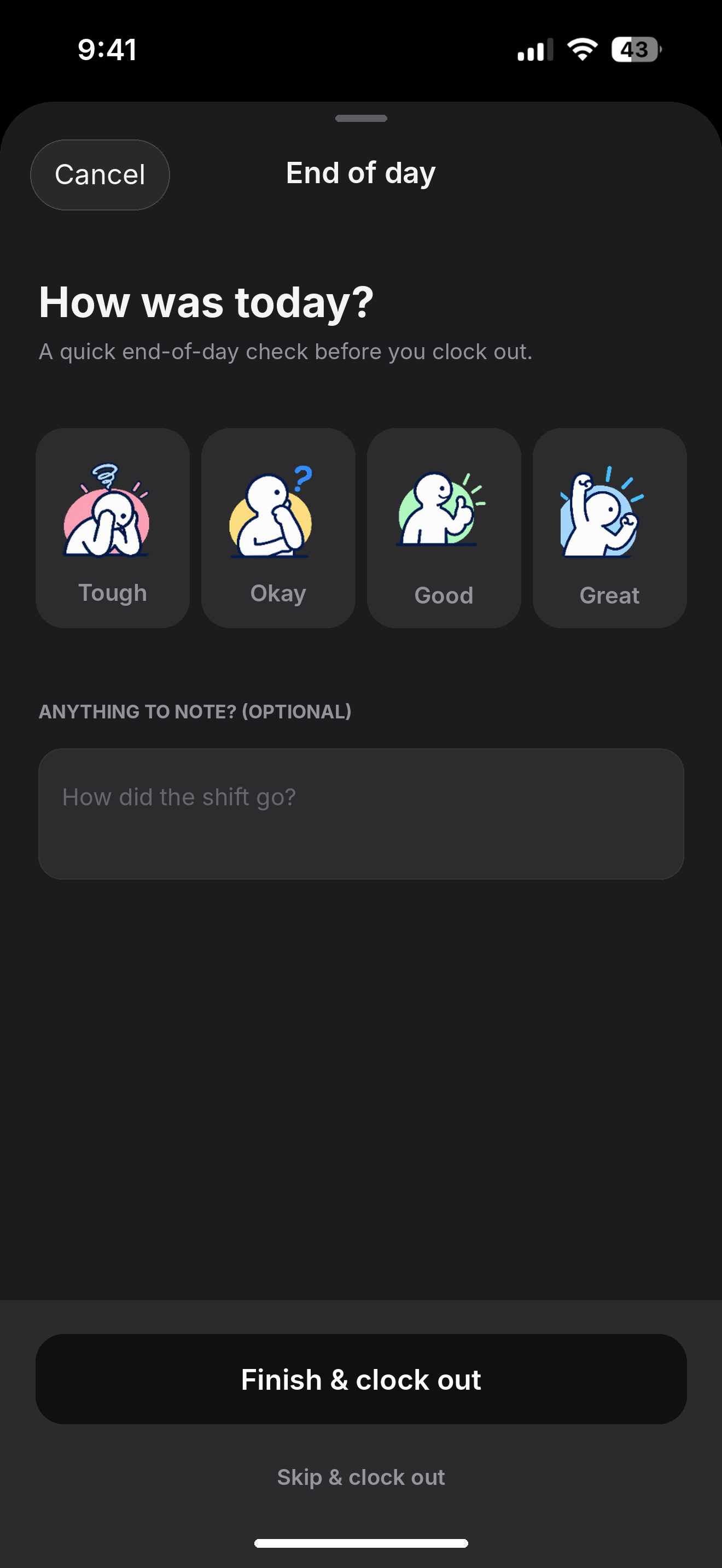
A quick mood check
Choose a mood that reflects how the shift felt, from tough through to great.
A SMALL MOMENT TO CLOSE THE SHIFT
Before clocking out, employees can choose a mood to share how the shift felt and add an optional note. It gives the working day a clear close and offers the team a little more context for tomorrow.
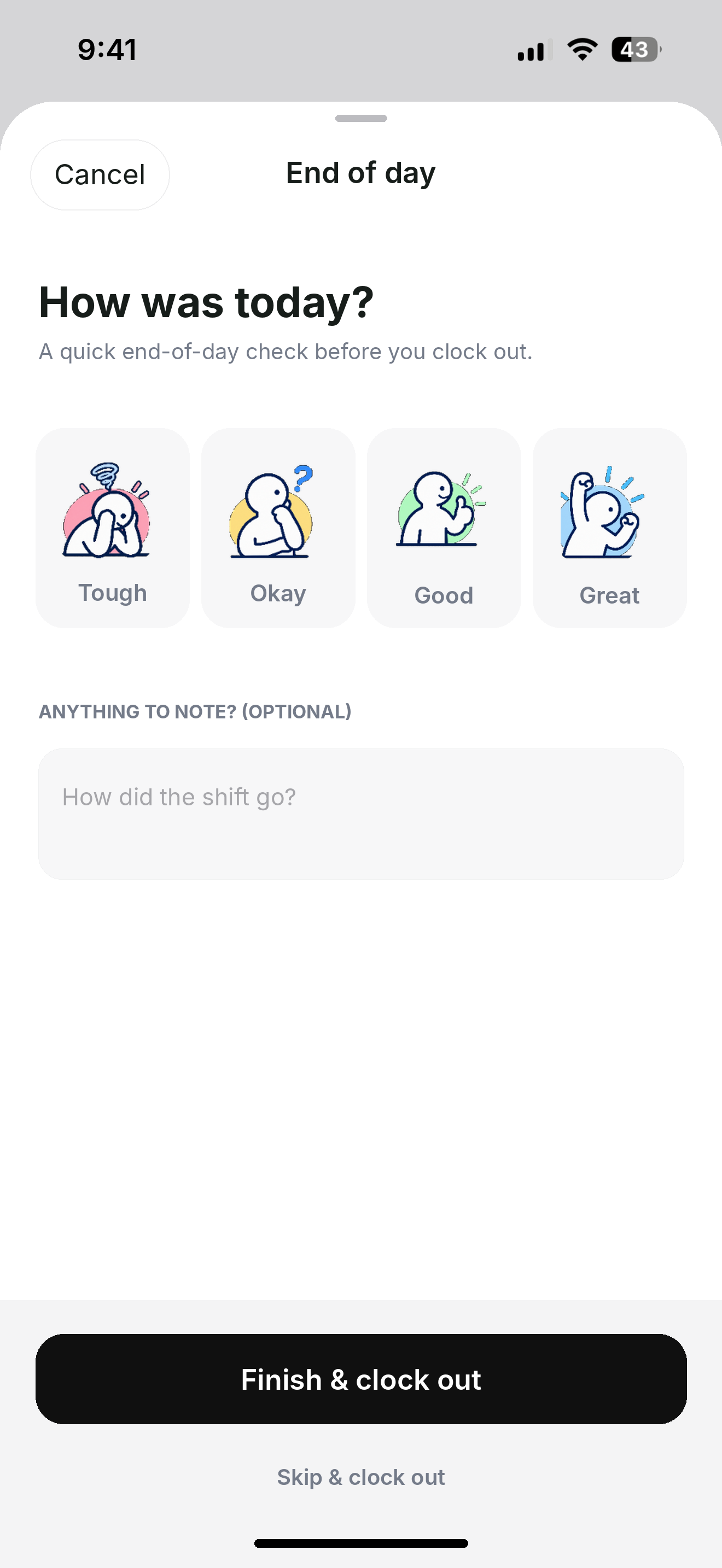
A simple, optional reflection gives managers a signal about how the day went while letting employees share context in their own words.
Choose a mood that reflects how the shift felt, from tough through to great.
Add an optional note to explain anything the team should know.
Finish the shift with a deliberate check-in before heading into the rest of the day.
The check-in can help the team understand how the day felt and where follow-up may help.
Open the end-of-day check-in as the working day comes to a close.
Pick the character that best reflects how the shift felt.
Share optional context about the day or anything that may need attention.
Submit the check-in and complete the end-of-day flow.
No. Employees can add context when they want to.
It lets an employee share how their shift felt as part of the end-of-day flow.
The check-in is part of the end-of-day experience; attendance is still recorded through the clock-in and clock-out workflow.